Ant Evolution Controls
PC and mobile inputs for movement, biting, skills, and menu access.
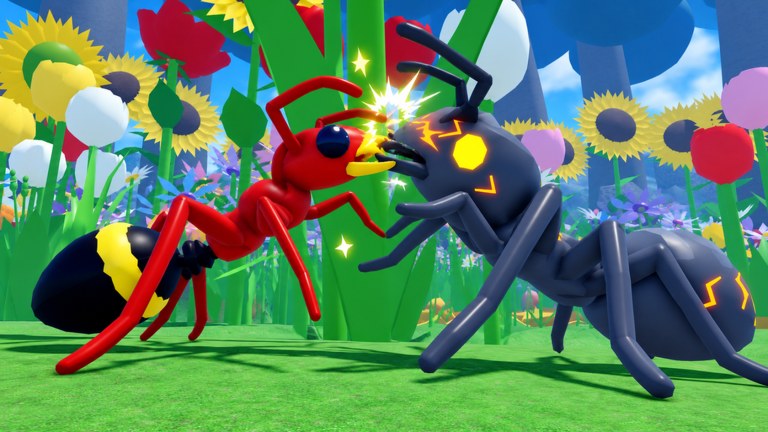
Clean controls make every other Ant Evolution guide easier. This page documents the practical input expectations on Roblox PC and mobile so you can farm, evolve, and fight the Giant Mantis without fighting your camera.
PC defaults (typical Roblox layout)
| Action | Input |
|---|---|
| Move | WASD |
| Camera | Mouse move |
| Jump / vertical assist | Space (if enabled by experience) |
| Primary bite / interact | Left click |
| Skills | On-screen skill buttons or number keys depending on UI |
| Open Rewards / menus | Left HUD buttons |
| Shift lock (if available) | Shift / Roblox menu toggle |
Roblox experiences sometimes overlay custom buttons. If a control conflicts, open the Roblox escape menu → Settings → adjust camera mode (Classic vs Follow) and sensitivity before remapping anything exotic.
Mobile defaults
| Action | Input |
|---|---|
| Move | Left virtual joystick |
| Camera | Swipe on right side |
| Bite / interact | Right-side action button |
| Skills | Ability buttons above jump |
| Menus | Left HUD icons (Rewards, mutate, etc.) |
Play in landscape for Ant Evolution. Portrait mode shrinks the Codes field and makes Mantis sidesteps harder.
Recommended sensitivity
- PC: Medium-low mouse sensitivity for precise Mantis dodges; raise slightly if you cannot track flying/strafing targets.
- Mobile: Lower camera sensitivity until swipe-to-dodge feels predictable, then raise in small steps.
Test changes on bugs before a boss pull (Mantis guide).
Menu buttons you must find
- Rewards — codes, dailies, quests (how to redeem)
- Mutate / Roll — DNA spending (mutations guide)
- Evolve — size jumps (how to evolve)
- Rebirth — permanent power (how to rebirth)
Mis-taps happen when these sit near jump buttons on mobile — zoom the UI or use a grip that keeps thumbs low.
Combat input tips
- Bite in short rhythms; holding still is free damage for enemies.
- Weave skills between bites rather than dumping all cooldowns blindly.
- Camera should lead your turn — look where you will sidestep before the Mantis telegraph lands.
- If using scripts from the Scripts hub, remember automation still fails when menus cover the viewport.
Troubleshooting
Camera spins wildly: disable accelerometer camera on mobile; check locked mouse on PC.
Cannot click Redeem: rotate to landscape, tap the text field first.
Skills not firing: wait for cooldown UI, ensure you are not in a menu.
Movement slides: latency — switch servers, reduce graphics, avoid huge Tween script speeds.
Practice course (5 minutes)
- Walk a square using only edge paths.
- Bite three bugs without taking free hits.
- Open and close Rewards without moving.
- Sidestep imaginary slams for thirty seconds.
- Start your real farming loop.
Related pages
Master controls once, then stop thinking about them. Ant Evolution rewards ants who look at the map — not ants who wrestle the camera.
One more habit
After every death, spend ten seconds checking whether the camera, not the build, caused the mistake. Many “I need better mutations” moments are actually sensitivity or landscape-mode problems that the Controls page already solves.
Frequently Asked Questions
Quick answers for Ant Evolution players.
What is the bite button in Ant Evolution?
On PC it is typically left click; on mobile it is the right-side action button. Custom UI can add extra skill keys.
How do I open codes on mobile?
Tap Rewards on the left HUD, then Codes. Use landscape mode if the field is clipped.
Should I use shift lock?
Optional. Many players prefer it for consistent bite facing on PC; try both during bug practice.
Why is my camera laggy?
Lower graphics quality, close background apps, and avoid overcrowded peak-hour servers when learning.